What is a smart classroom
A smart classroom, or technology classroom, is one where technology serves the lesson: a screen for presenting, devices students work on, a stable internet connection, and software that shows the teacher what every student is doing. "Smart" is not about the equipment but about what it enables: active learning, fast feedback and information that helps the teacher decide.
Smart, technology, innovation or virtual classroom?
The terms sound alike, but each stresses something else:
- Smart / technology classroom: the room with the equipment and software that support teaching.
- Innovation classroom: the way of learning: inquiry, teamwork and making. More in the innovation classroom.
- Virtual classroom: a learning space that is not in the room, on Zoom or in a 3D world in headsets. More in the virtual classroom.
The best classroom combines all three: smart equipment, an innovative way of learning, and a virtual space when needed.
The four layers of a smart classroom
Think of a smart classroom as four layers, from the base up to what the teacher sees. Without the top layer, the rest is just equipment:
- 1
Infrastructure
Stable internet, power, charging and storage
- 2
Devices
A presentation screen, computers and VR headsets
- 3
Content
Labs, learning games and curriculum-based lessons
- 4
Management & data
What every student does, reports and insights for the teacher
The common mistake: devices without content
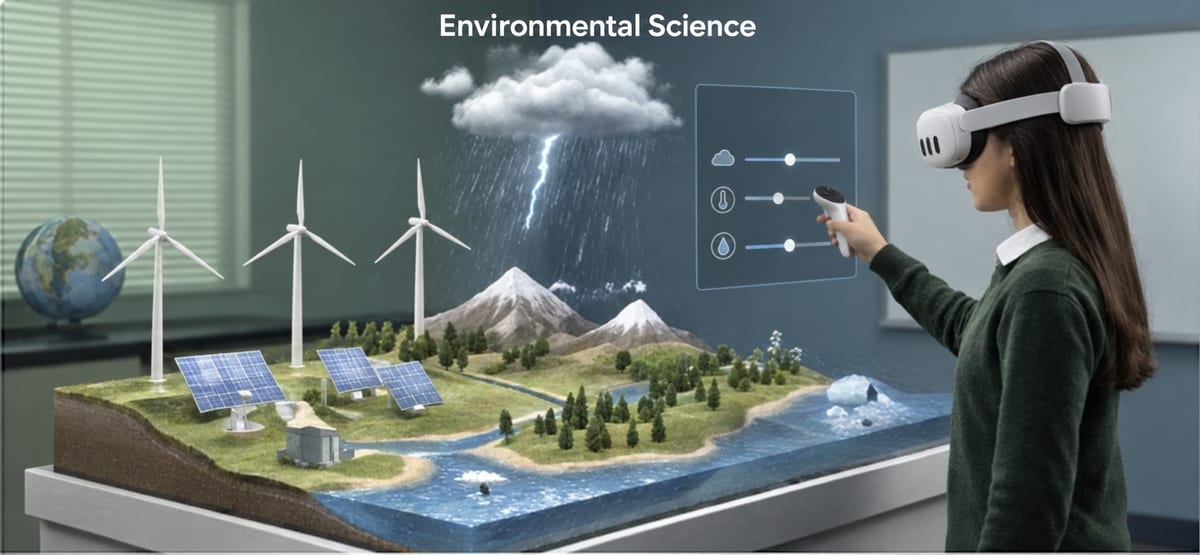
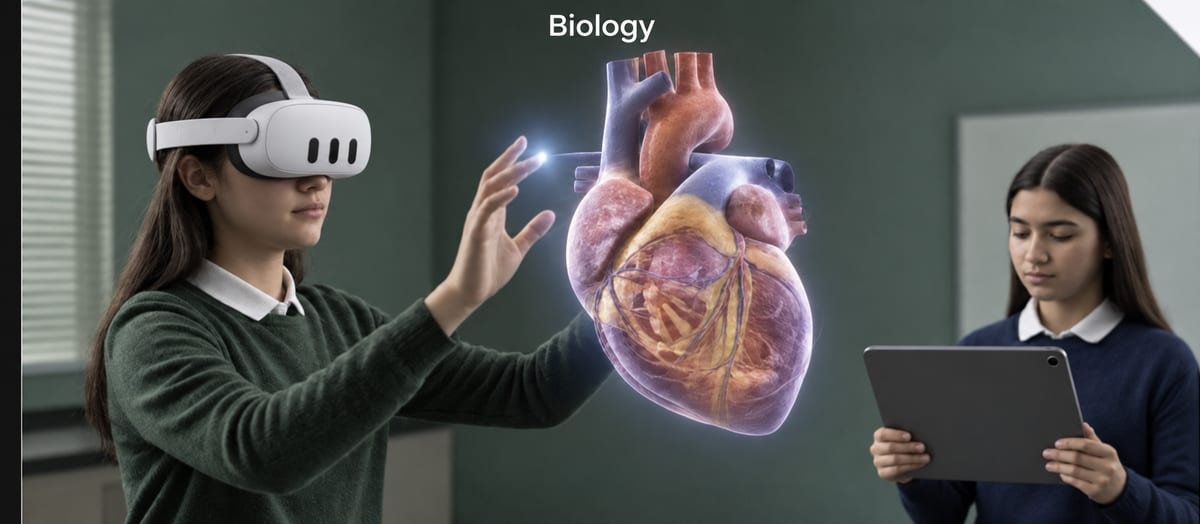
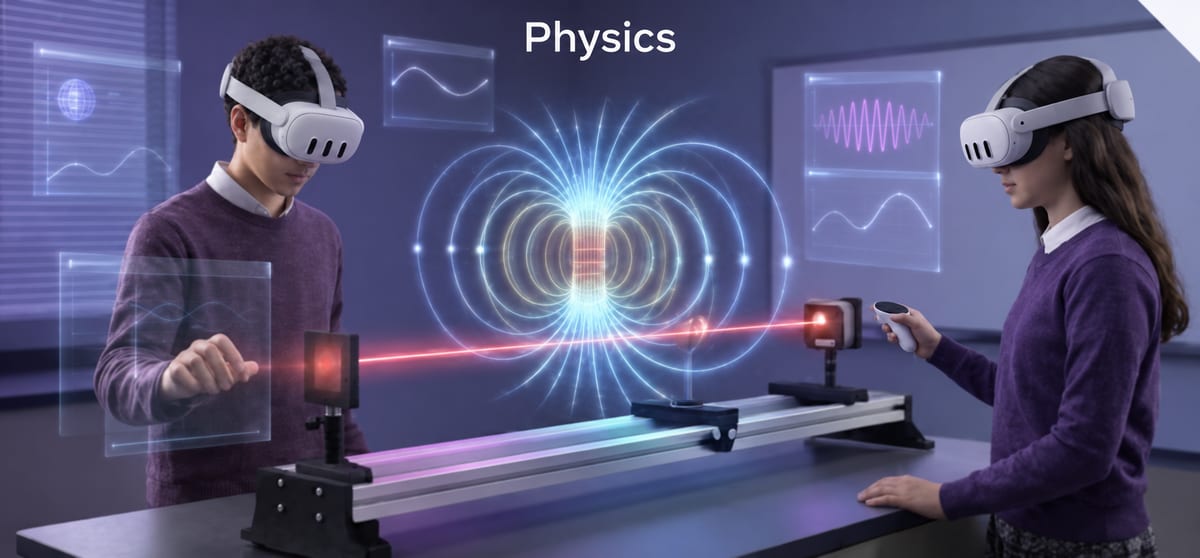
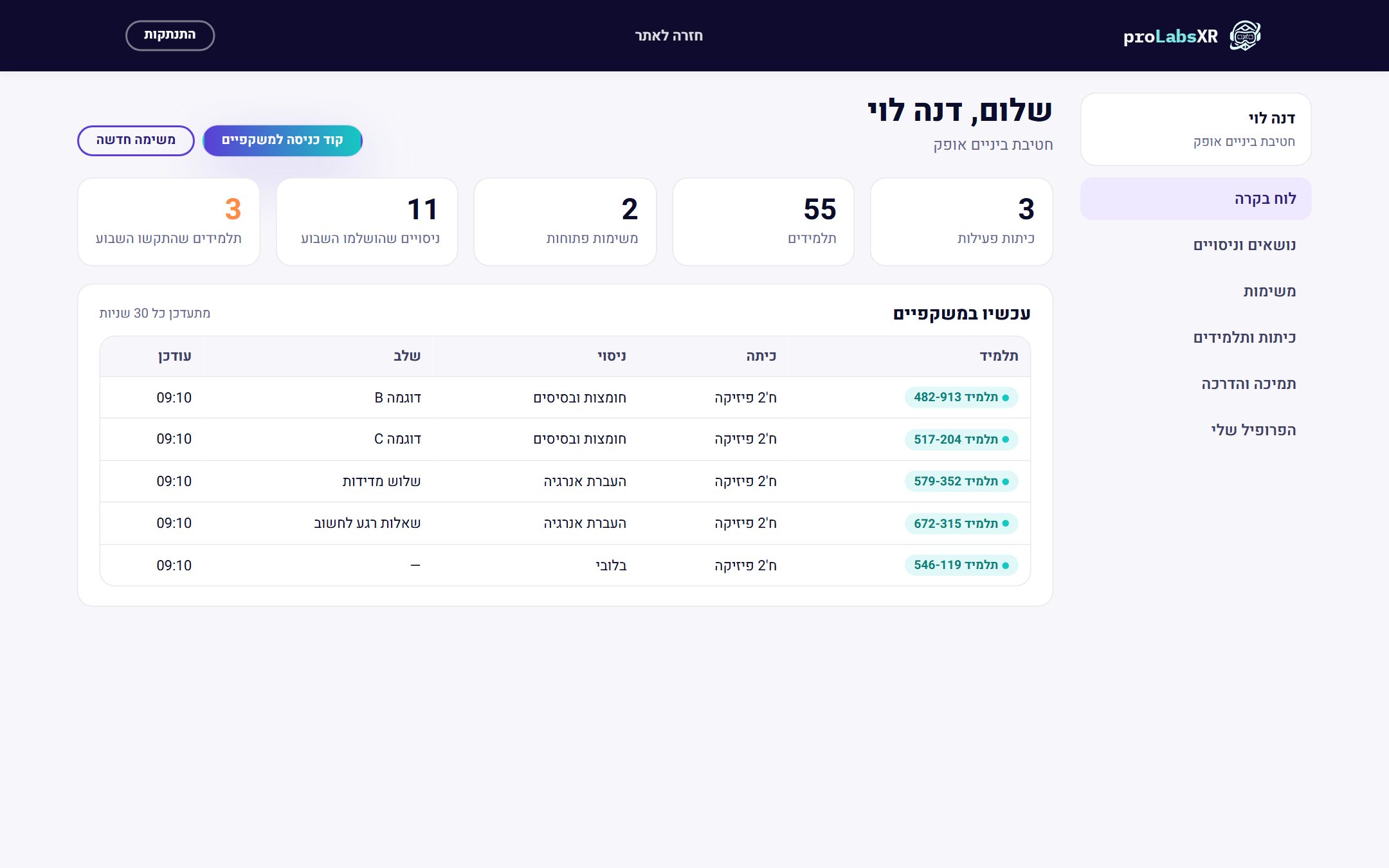
Many schools buy devices first, then find they have nothing to run on them. The right order is the opposite: content and way of working first, equipment second. proLabsXR brings the two top layers into the smart classroom: learning content in virtual reality headsets, and a teacher portal with a live dashboard, a report for every student and AI insights.
How to start
- Define what students should do in the smart classroom.
- Choose content that fits, and only then equipment.
- Check the infrastructure: internet, charging and storage.
- Train the teachers and measure. More: VR classroom & innovation lab.
Licenses are bought directly from ProMixed.