
What is learning in 3D spaces
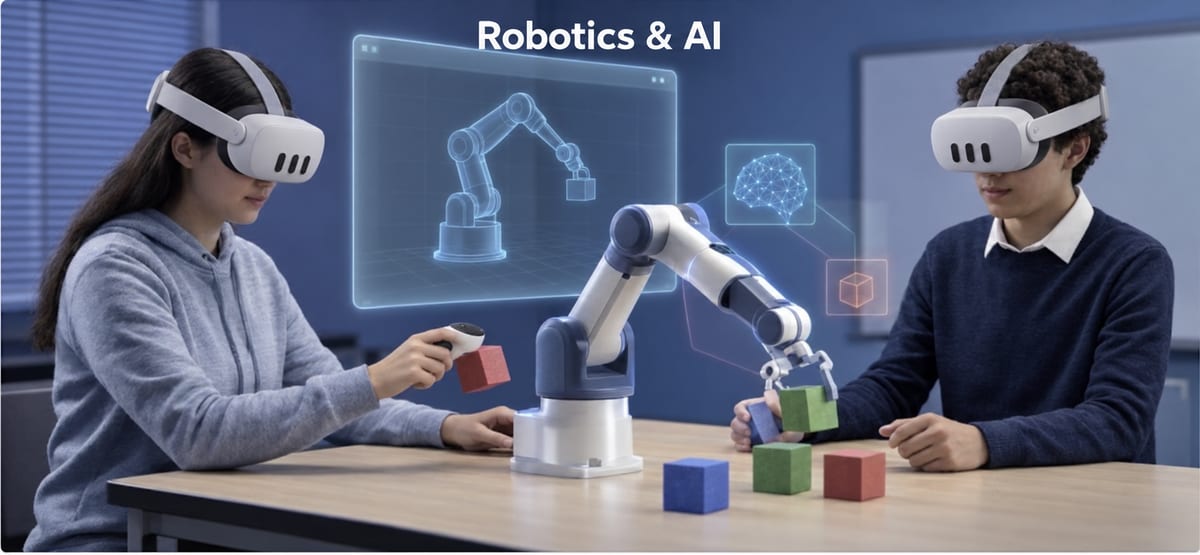
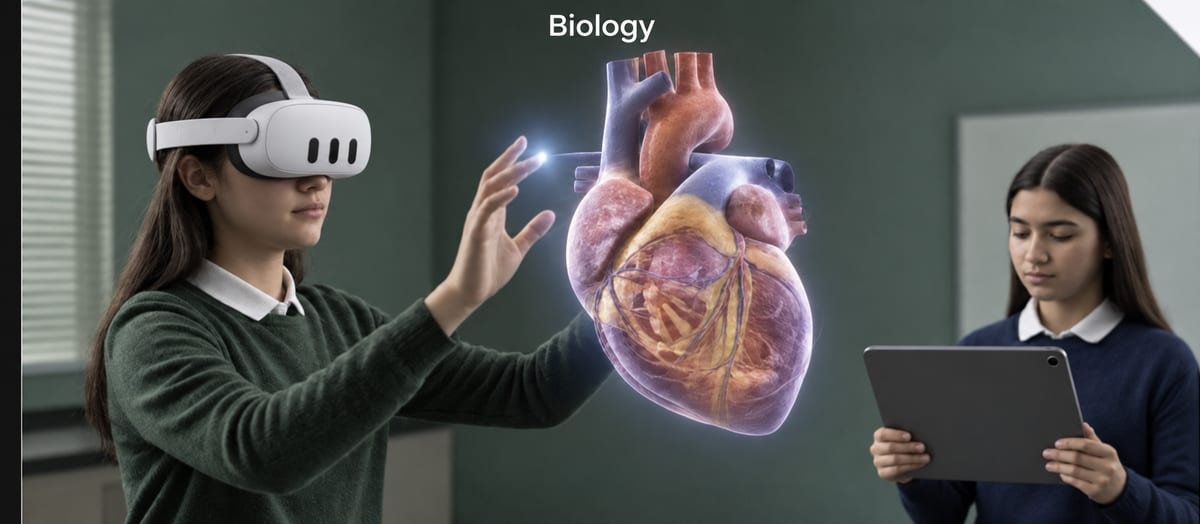
In 3D-space learning the student does not just see a picture or a diagram, but is inside a three-dimensional space: they can walk around a model, get close, take it apart and put it back together. In virtual reality headsets the space surrounds them, and they work in it by hand.
From the abstract to the concrete
The ways of presenting a science concept can be placed on a line, from the most abstract to the most concrete. 3D spaces sit at the concrete end:
Text
A definition in words
Diagram
A flat picture
Video
Motion, but only to watch
3D model
Rotate and enlarge it
3D space
Be inside it and work by hand
Why it helps in science
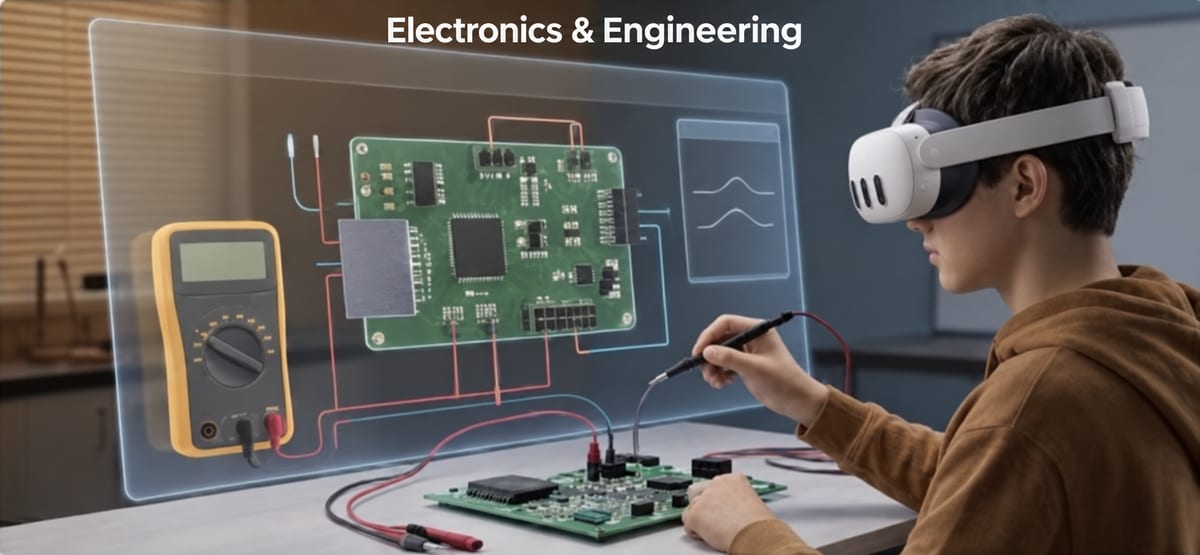
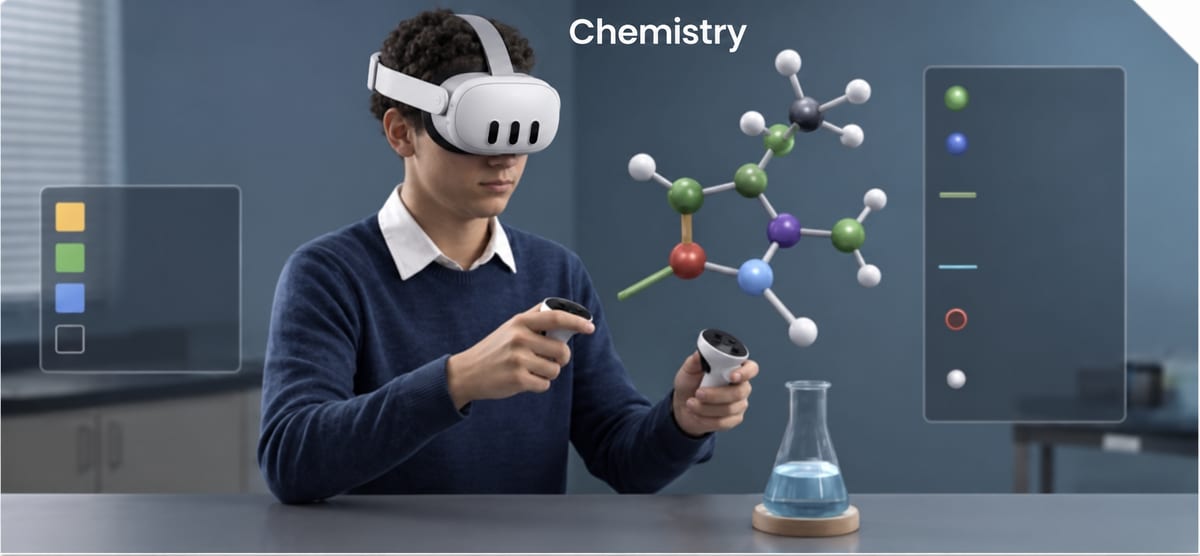
Concepts like cell structure, a chemical reaction or an electric circuit are hard to grasp while they stay on the page. In a 3D space the student sees them at a scale they can understand, changes a variable and sees what happens. In proLabsXR the measurements appear on the equipment itself in real time, next to a board with the research question and the experiment steps.
How to bring 3D spaces into a lesson
- Pick a concept students struggle to imagine.
- Let them explore it in a 3D space, with a clear question.
- Wrap up outside the headsets: what you saw, what changed, what you learned.
- With Quest 3 and 3S the model can also move onto a real table: augmented reality labs.