
Have Meta Quest headsets? Here is the educational content they are missing
In many schools, VR headsets stay in the cupboard because there is no pedagogical content for them. proLabsXR turns them into an everyday teaching tool: STEM labs, learning games and a teacher portal, on the Meta Quest 2, 3 and 3S headsets you already have.
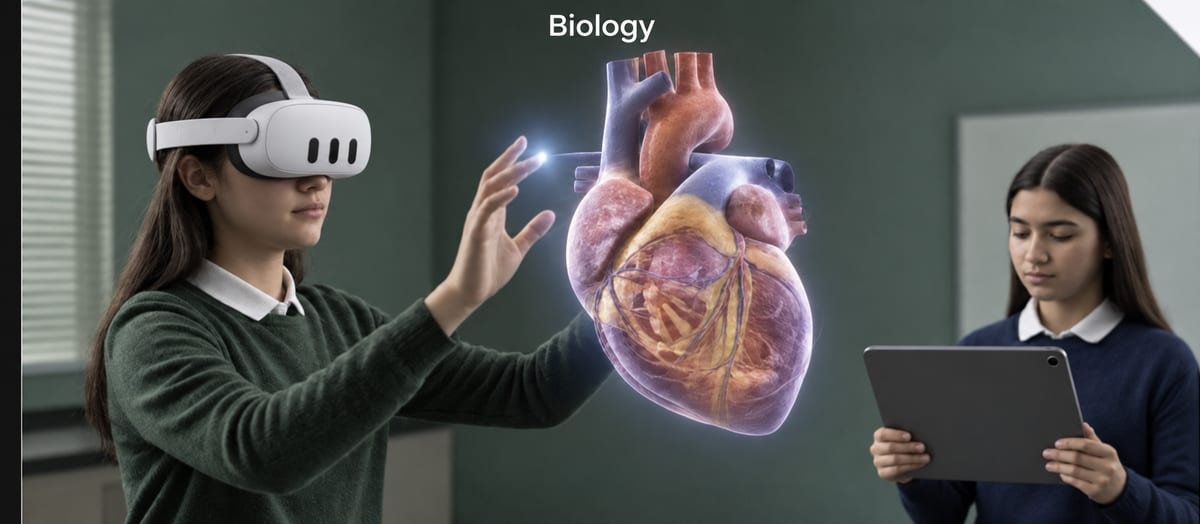
Headsets without content are just equipment in a cupboard
The headset app store is full of games and experiences, but few of them are tied to the curriculum, few support the languages of your students, and almost none give the teacher control of the class. The result is familiar: one trial lesson, and then the headsets go back to the cupboard.
What proLabsXR adds to your headsets
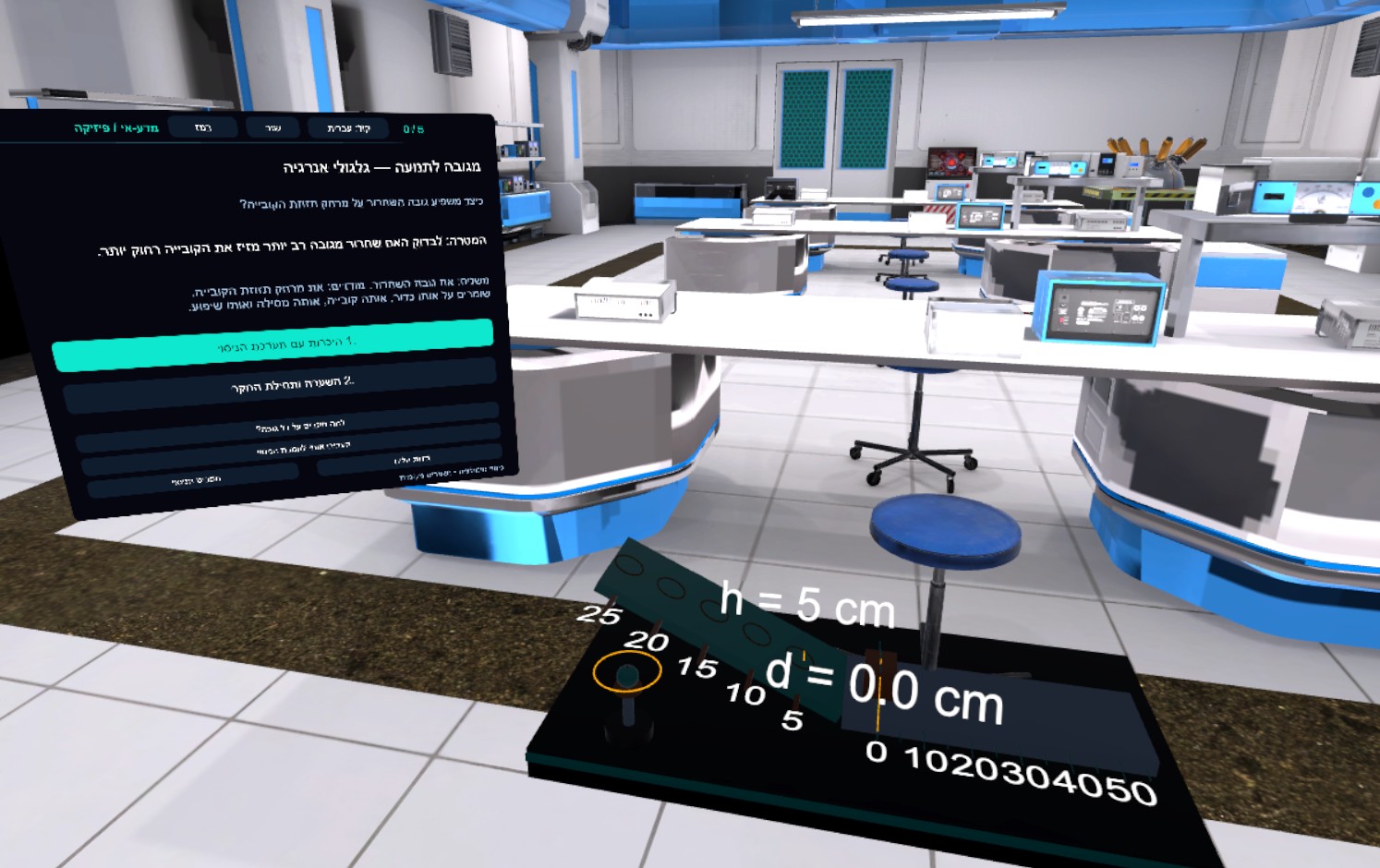
Ready STEM labs
Six labs: physics, chemistry, biology, electronics, environmental science and robotics.
Learning games in every subject
Parkland turns any learning material into a quiz-adventure.
A teacher portal
Invite students, follow them in real time and get a personal report for every student.
Multilingual
The system supports Hebrew, Arabic, English and more.
Works on the headsets you already have
- Meta Quest 3 and Quest 3S — recommended, including mixed reality (passthrough) where students see the classroom around them
- Meta Quest 2 — supported
- Standalone headsets: no external computer and no special infrastructure, just internet
From the cupboard to the first lesson in five steps
A fit conversation
Which headsets you have, how many, and for which grades.
Choose a package
A license per headset, a class package or a school package.
Installation
proLabsXR is installed and set up on the headsets.
Teacher training
Getting to know the portal, the labs and Parkland.
The first lesson
And from there you continue with content that keeps being updated.
How much it costs
The headset package starts at $149 per headset per year, before VAT, with tiered discounts for additional headsets. For a full class or a school there are packages by quote, and every package includes the teacher portal and content updates. Details: Packages & pricing. Licenses are bought directly from ProMixed; in Israel, implementation and training can also be chosen through the Gefen programs.
No headsets yet?
The ProMixed team will help you choose the equipment, the quantity and how to organize the classroom. We also recommend reading the guide to bringing virtual reality into your school.
Frequently asked questions about Meta Quest in school
Can proLabsXR be installed on Meta Quest headsets the school already has?
Yes. You buy a license per headset, or a class or school package, and proLabsXR is installed on your existing headsets.
Does proLabsXR work on Meta Quest 2?
Yes. Quest 2 is supported, and Quest 3 and Quest 3S are recommended because they also allow mixed reality.
Do I need a computer to run the headsets?
No. Meta Quest headsets are standalone and only need an internet connection.
How much does educational content for Meta Quest cost?
The headset package starts at $149 per headset per year, before VAT, with tiered discounts. For a class or a school there is a quote.
What do students do in the headsets?
Experiments in six virtual STEM labs, and learning games in every subject through Parkland, with the whole class together in the same world.
How many headsets does a class need?
You can start with a single headset and grow to a full class. When every student has a headset, the whole class experiments together in multiplayer.
More ways to bring proLabsXR to your school
Virtual labs
Six science labs in VR headsets, for every grade level.
Read more →Learning games — Parkland
A quiz in any subject that becomes an adventure in the headset.
Read more →STEM education
Science, technology, engineering and math, inside the headset.
Read more →Guide: VR in schools
Eight steps to bring virtual reality into your school.
Read more →Time to take the headsets out of the cupboard
Book a demo, and we will show you what you can do with the headsets you already have
Book a live demo