
A VR classroom for your school: an innovation lab in virtual reality
A VR classroom is a space where the whole class enters a learning world together in virtual reality headsets. With proLabsXR it comes with science labs, learning games and a teacher portal, turning a room in your school into a VR innovation lab.
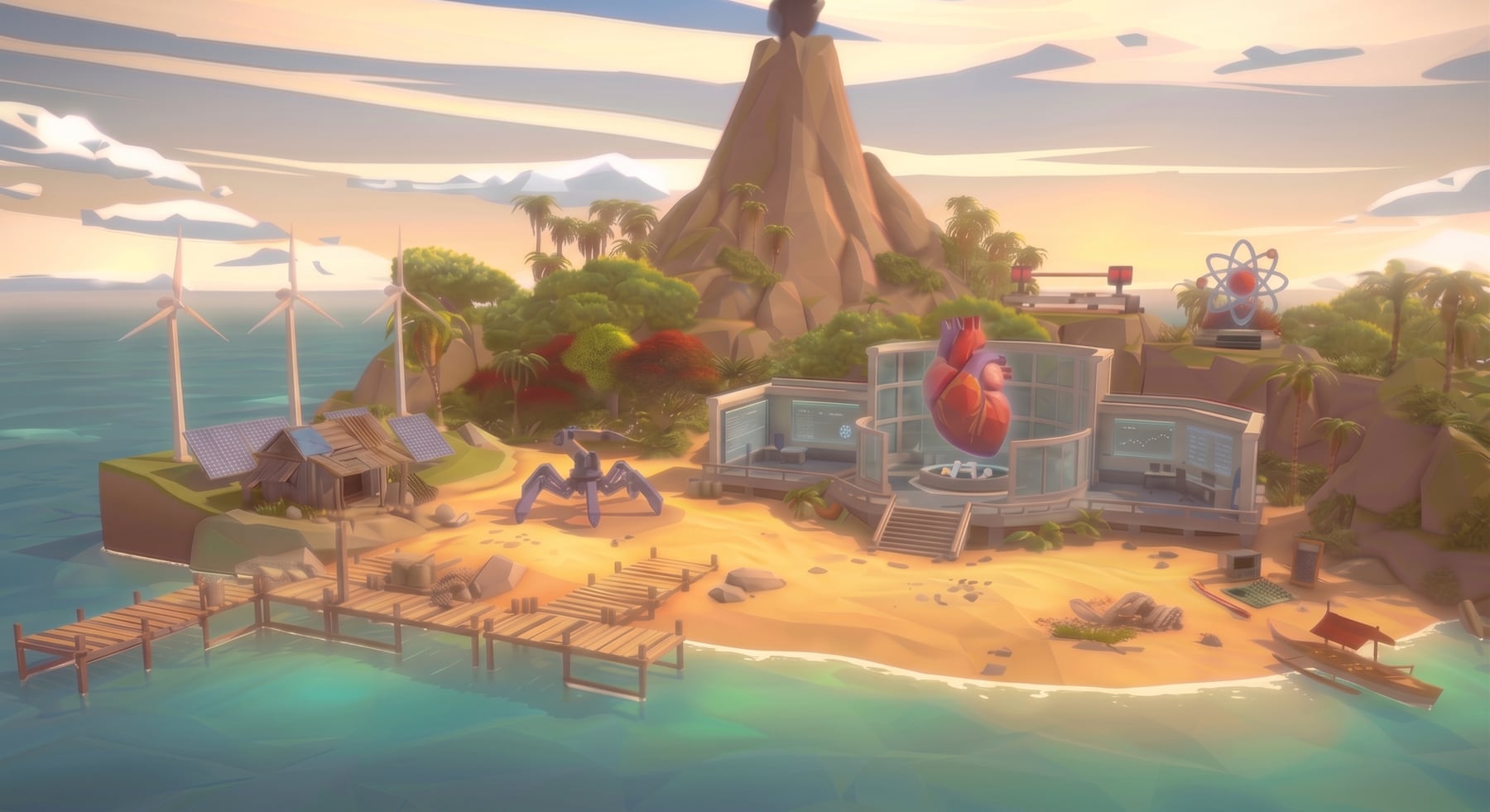
Not a computer room, but a world you step into
A VR classroom, or VR innovation lab, is a fixed or mobile space where students learn in standalone virtual reality headsets. You need no special room and no computers: the headsets work on their own, charge in a cart or cabinet, and go to any class. What makes it a classroom rather than a set of devices is the content and the teacher's control.
Four parts of a VR classroom
Headsets
Meta Quest 3, 3S or 2: one per student or one per group.
Content
Six science labs, learning games in Parkland, and new experiments the teacher creates with AI.
Teacher portal
A live dashboard, inviting students to an experiment, a progress map and reports.
Training & support
Teacher training and support (in Israel, implementation and training are also available through Gefen).
A VR innovation lab in five steps
Choose a goal
Subjects, grade levels and what you want students to gain.
Choose a space
A fixed room, or a headset cart that moves between classes.
Headsets & licenses
A headset per student or group, and a license per headset, class or school.
Train the staff
Teacher training, and one teacher in charge of the equipment.
Start and measure
A first lesson, then tracking participation and achievement in the portal.
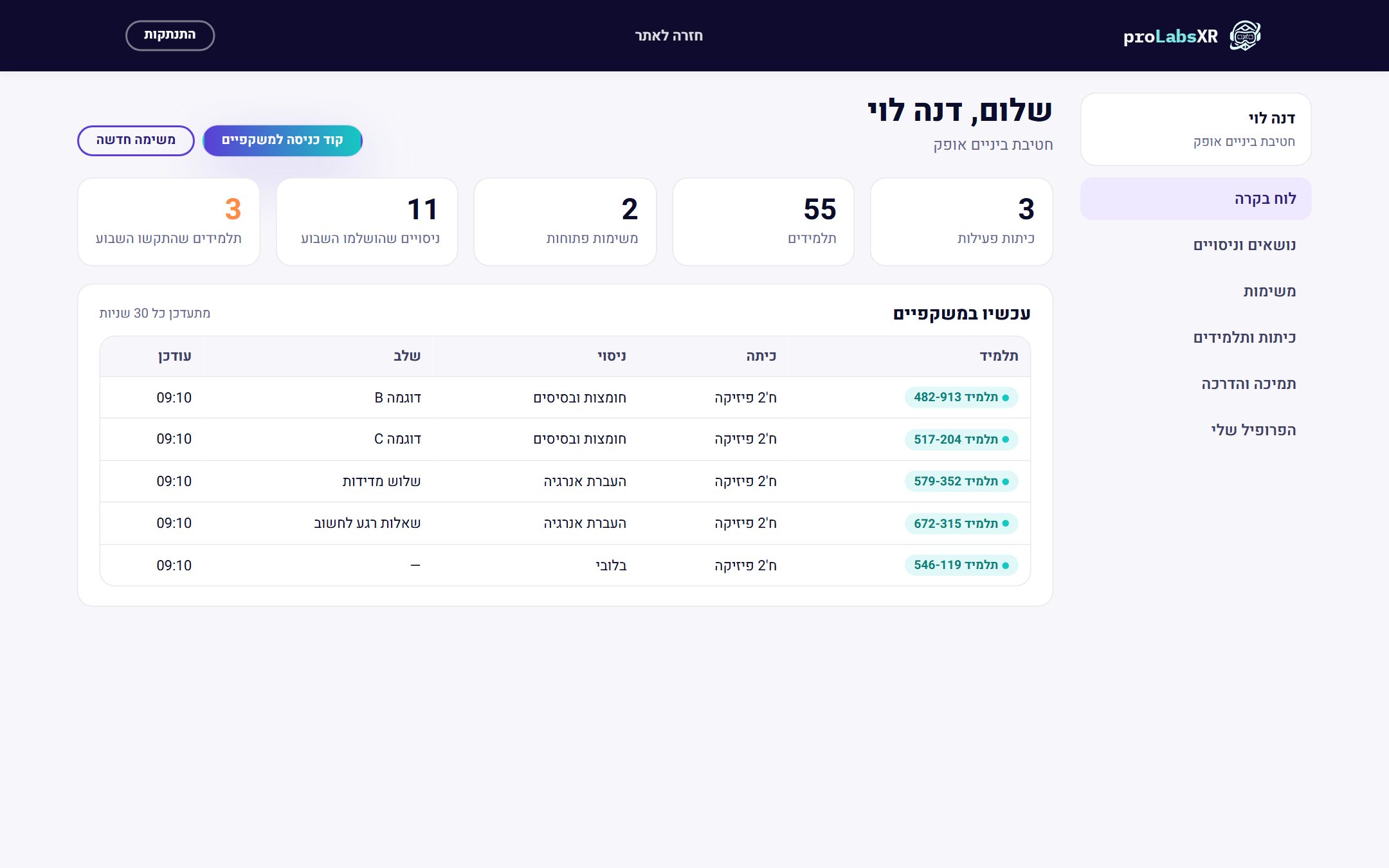
The whole class in headsets, the teacher sees everything
In a VR classroom the teacher never loses touch with the students. The portal shows who is in a headset, in which experiment and at which step, and the teacher can guide from any device.
- A live dashboard of the whole class
- Personal invitations to an experiment or a game
- A detailed report for every student
- Multiplayer: the whole class in the same world
What happens in a VR classroom
Science labs in virtual reality (the virtual labs), STEM lessons, learning games in every subject in Parkland, and experiments students move onto a real table in mixed reality.
What it costs and how to fund it
There is a license per headset, a class package and a school package, bought directly from ProMixed. Details are in the packages section.
Already have headsets?
You can turn them into a VR classroom without buying new equipment: content for Meta Quest headsets.
Frequently asked questions about VR classrooms
What is a VR classroom?
A space in the school where students learn in virtual reality headsets, with learning content and teacher control. It can be a fixed room or a mobile headset cart.
What is the difference between a VR classroom and an innovation lab?
An innovation lab is usually a broader space for new technologies. A VR classroom can be part of one or stand on its own. In proLabsXR both get the same content and the same portal.
How many headsets do we need?
You can start with headsets for a group and grow to one per student. Match the number to your group sizes and the way you run lessons.
Do we need a special room or computers?
No. Meta Quest headsets are standalone and need no computer. You need an internet connection, a place to charge and store them, and room to move safely.
Who runs the classroom?
The teacher, from the portal. It also helps to appoint someone in charge of the equipment. Training and support are included.
Which languages is the content in?
Hebrew, Arabic, English and more.
More ways to bring proLabsXR to your school
Virtual labs
Six science labs in VR headsets, for every grade level.
Read more →Metaverse in education
A shared learning world where the whole class meets as avatars.
Read more →Learning games — Parkland
A quiz in any subject that becomes an adventure in the headset.
Read more →Guide: VR in schools
Eight steps to bring virtual reality into your school.
Read more →Planning a VR classroom or an innovation lab?
Book a call with the ProMixed team, and we will build a plan that fits you
Book a live demo