
What are virtual learning spaces
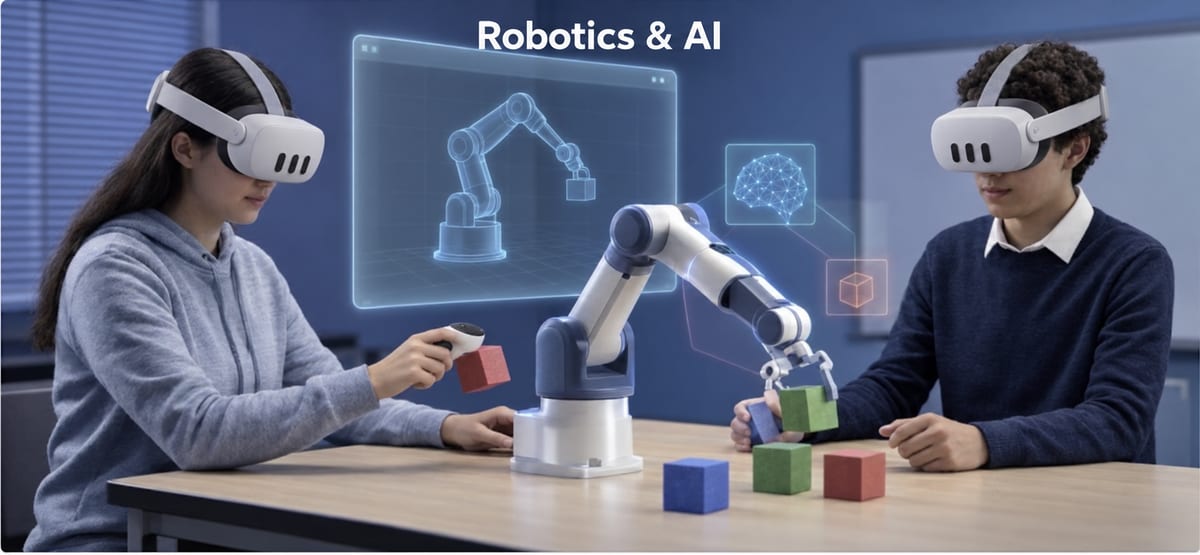
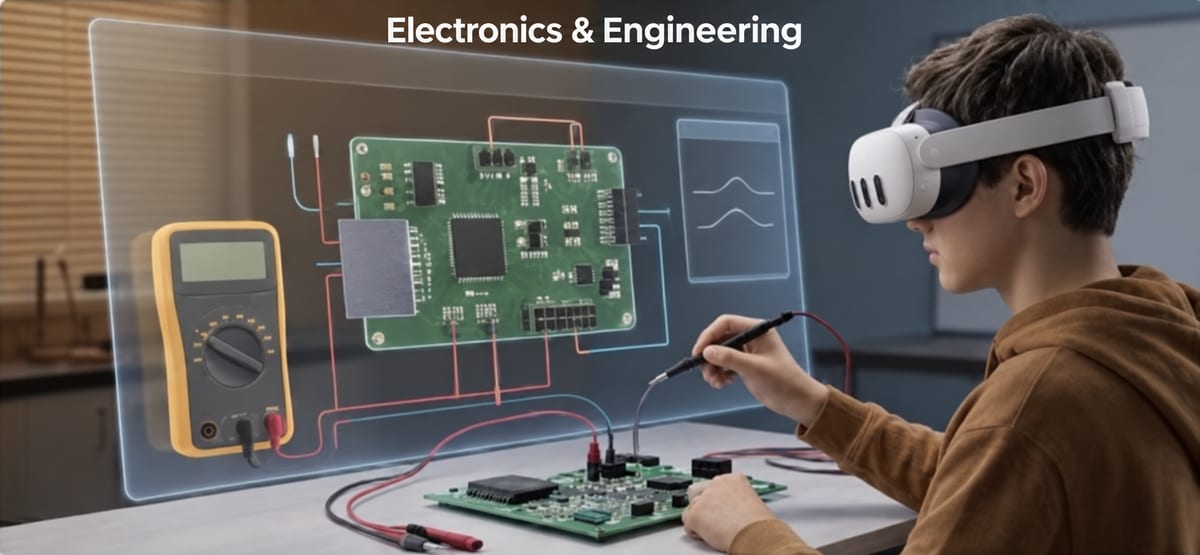
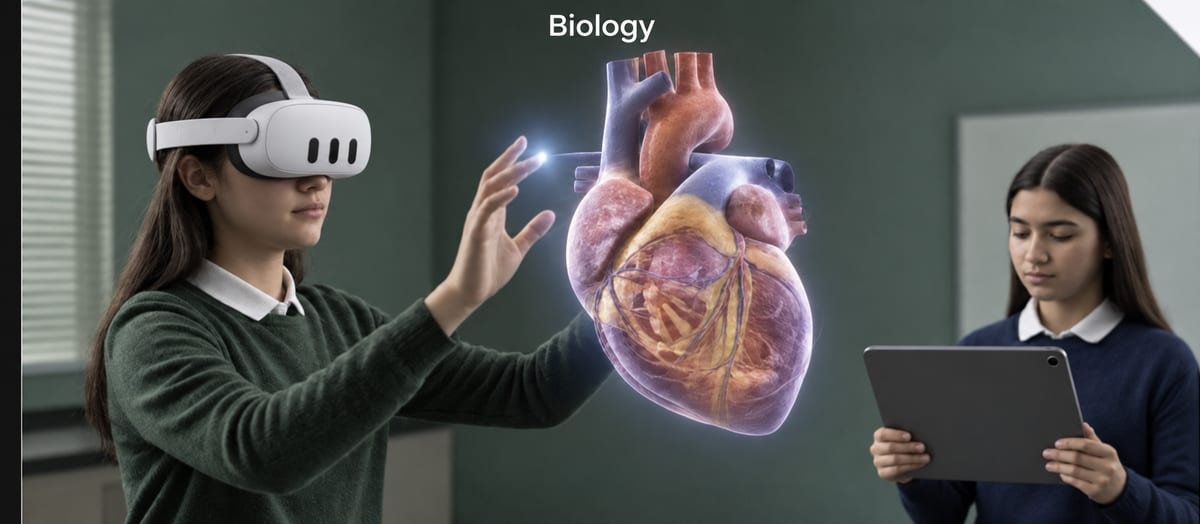
Virtual learning spaces are 3D environments built for learning and entered in virtual reality headsets. Unlike a video, the student does not just watch: they move through the space, pick up objects, take actions and see the result. And when the whole class is in one space, it becomes a place for teamwork too.
Seven ways to use a virtual space in a lesson
Here are seven practical ways, from the simplest to the deepest:
- 1
An experiment you cannot do in class
Hazardous materials, costly equipment or rare phenomena
- 2
A different scale
Inside the cell, or a whole solar system
- 3
A learning game
A quiz that becomes an adventure on an island
- 4
Teamwork
The whole group around one challenge, as avatars
- 5
Inquiry at your own pace
Every student through the steps at their own pace
- 6
Review before a test
Focused practice on a topic students find hard
- 7
An opening lesson
An experience that sparks curiosity before learning
An example from proLabsXR
In proLabsXR the central space is Science-land, a shared island with gates into the science labs. In Parkland, the teacher uploads learning material, AI builds a quiz from it, and students solve it as an adventure on an island. The portal shows the teacher who is in which space and at which step.
How to start
Pick one topic that is hard to teach in class, match it with a virtual space, and give it a lesson. Afterwards, hold a short discussion outside the headsets. About the labs: virtual labs; about the learning games: Parkland.