
Virtual reality in school: an eight-step implementation guide
How to bring virtual reality into your school so it becomes part of teaching, not more equipment in a cupboard: from the pedagogical goal, through equipment, space and budget, to staff training and measurement.
VR that works every day, not only on demo day
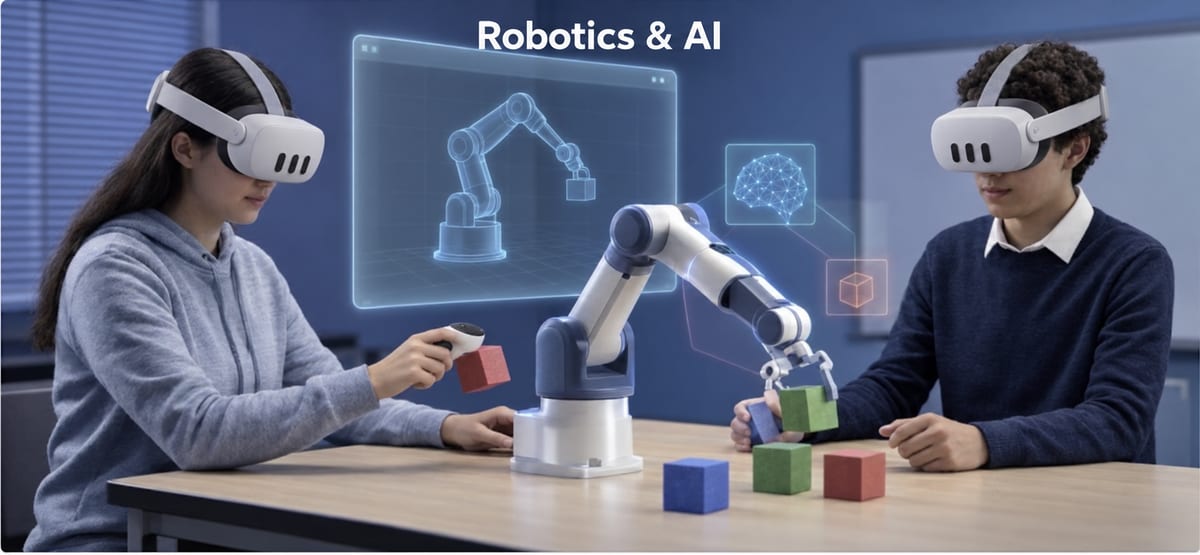
Virtual reality takes students inside what they are learning: inside a living cell, an electric circuit or a historic site. But many schools buy headsets and find it hard to make them part of the routine. This guide sums up what we have learned from implementation in schools.
From the goal to the whole school
Start with the goal
Define what you want to improve: hands-on science, motivation when reviewing for a test, or making abstract topics tangible.
Content before hardware
Headsets without pedagogical content are the most common reason for failure. Look for curriculum-based content with a teacher portal.
Standalone headsets
Meta Quest 3 and 3S need no computer. Plan the quantity, a charging station, locked storage and someone in charge of the equipment.
Space and safety
Clear space to move, supervision throughout the activity, short sessions in the headset, and the manufacturer's age guidelines.
Budget
An annual license instead of a one-time purchase, public calls and local authority budgets. In Israel, Gefen can fund implementation and training (not licenses).
Staff training
A lead team of 2 to 4 teachers, plus training (in Israel: the Gefen course "Learning to teach with virtual reality and AI", 24275).
Privacy and security
Check what data is collected and where it is stored. Require compliance with privacy law and education authority guidelines.
Pilot, measure and expand
Start with one grade and one subject, measure participation, achievement and feedback, and only then expand.
Four sources of budget
Gefen programs (Israel)
ProMixed has six official implementation and training programs that a school or local authority can choose.
Calls for proposals
Education ministry calls, for example Israel's 9th-grade virtual labs pilot.
Local authority budgets
Municipal innovation programs and education department budgets.
An annual license
Instead of a one-time purchase, so the content keeps being updated.
A checklist for choosing a VR supplier
Before choosing a supplier, make sure they meet all of these:
- Curriculum-based content, in your students' languages
- A teacher portal with real-time control and reports
- Multiplayer: the whole class together in the same world
- Training, support and a local team
- An implementation and training program (in Israel: through Gefen)
- A clear privacy policy
Frequently asked questions about virtual reality in school
What is the difference between VR, AR and MR?
In virtual reality (VR) the student is fully inside a virtual world. In augmented reality (AR) virtual objects are added to the real world. In mixed reality (MR) the worlds blend, for example seeing the classroom with a virtual experiment inside it.
Is virtual reality suitable for primary schools?
Yes, with age-appropriate content. proLabsXR has a primary level based on exploration and discovery. Also check the manufacturer's age guidelines for the headsets.
How long should a student be in the headset?
We recommend short sessions in the headset, combined with discussion and wrap-up outside it, following the manufacturer's guidelines.
How do schools fund virtual reality?
With an annual license per headset, class or school bought directly from ProMixed, helped by education ministry calls and local authority budgets. In Israel, implementation and training can also be chosen through Gefen.
Does running VR in class require a technician?
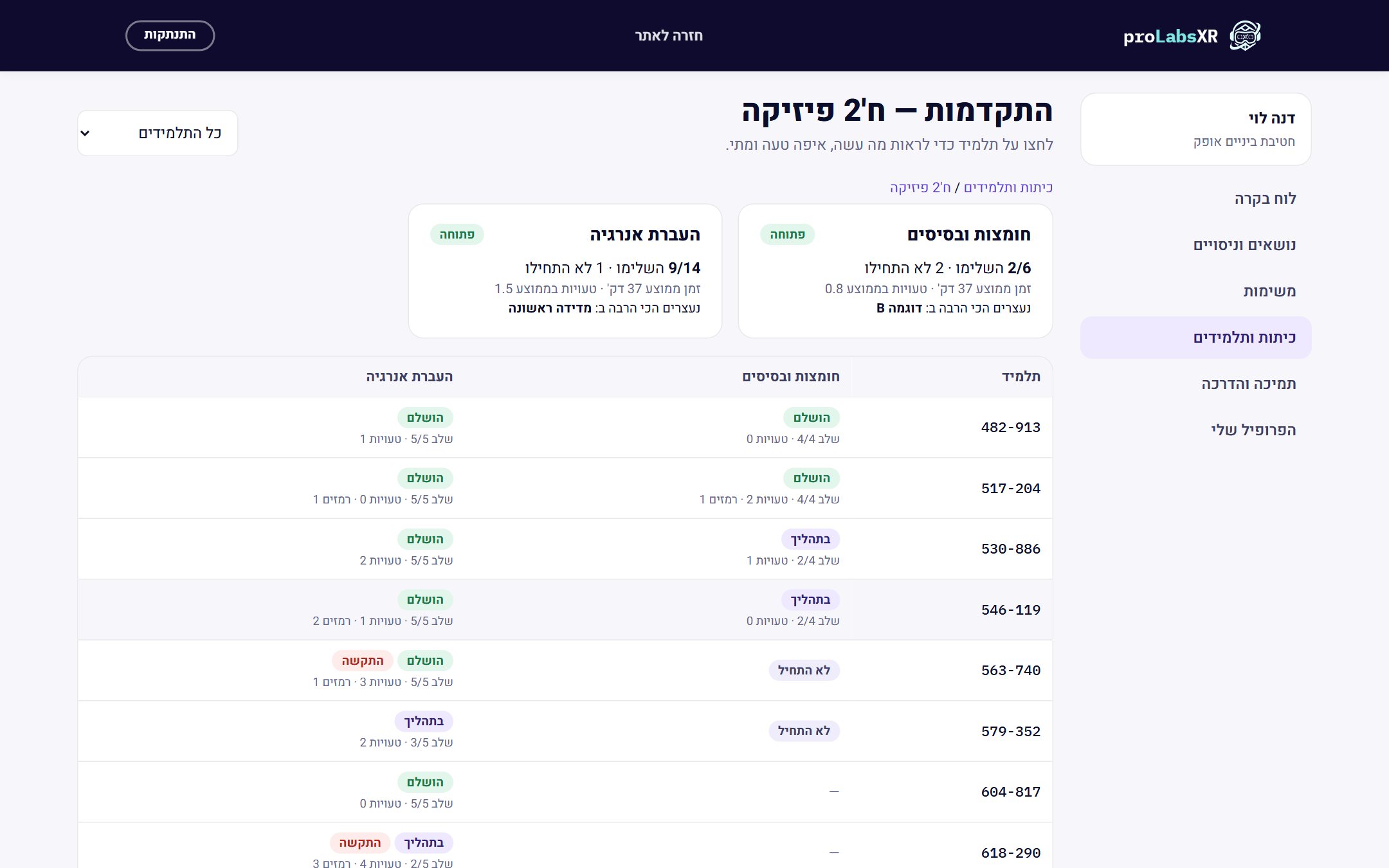
Not necessarily. Standalone headsets need no computer, and the supplier should provide installation, training and support. It helps to appoint someone in charge of the equipment.
How do you measure whether the implementation worked?
By participation, achievement in tests and tasks, and feedback from teachers and students. A portal with a report for every student makes measurement easier.
More ways to bring proLabsXR to your school
Virtual labs
Six science labs in VR headsets, for every grade level.
Read more →STEM education
Science, technology, engineering and math, inside the headset.
Read more →Student resilience
A class picture of resilience, relationships and safety for the counselor.
Read more →Content for Meta Quest
Have headsets? Here is the educational content they are missing.
Read more →Want support bringing VR into your school?
Book a call with the ProMixed team, and we will build a plan that fits you
Book a live demo